emit Uploader: every bounce becomes a link
set one folder and every bounce uploads and becomes a link.
the uploader comes with the plug-in and lives in your menu bar (mac) or tray (windows).
- set your DAW's bounce or export folder to Music › emit › Bounced. most DAWs remember the folder next time.
- bounce as normal. every bounce that lands there uploads and becomes a link.
- press copy link on the notification and send it.
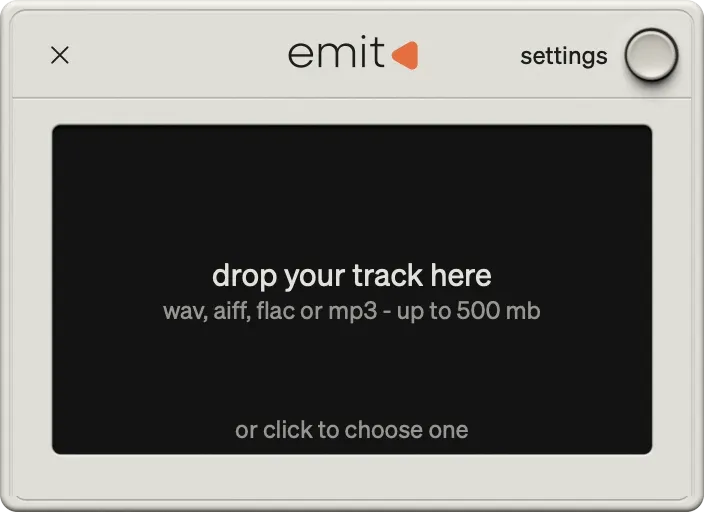
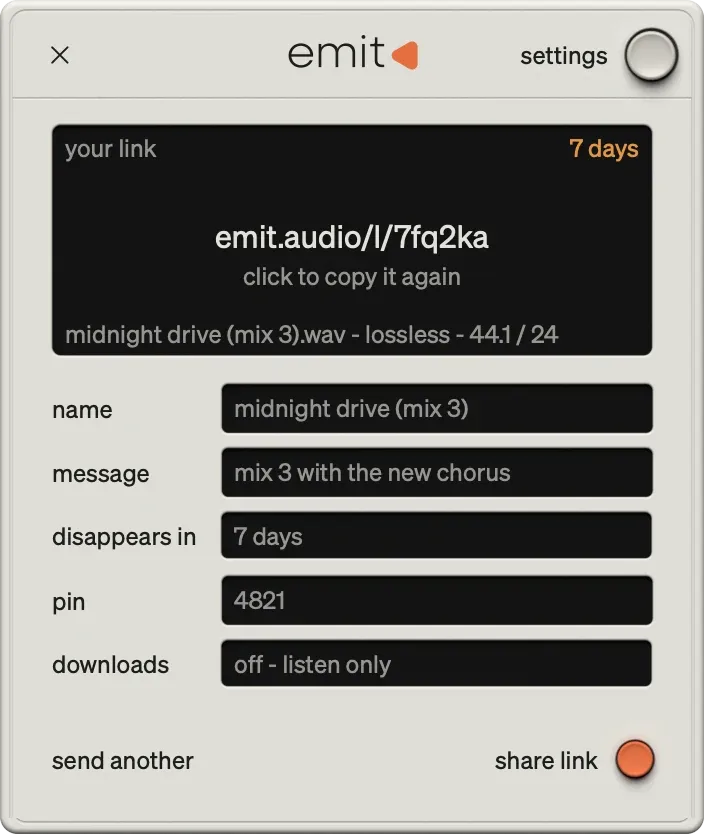
- finished files move to Music/emit/Uploaded.
- tip: in any mac save window, press ⌘⇧G and type ~/Music/emit/Bounced to jump straight there.
- or just drag any audio file onto the uploader.
logic pro
- file › bounce › project or section (⌘B).
- choose the format and click ok.
- in the save window, go to music › emit › bounced.
- click bounce. logic offers the same folder next time.
pro tools
- file › bounce mix (older versions: bounce to › disk).
- under location, click choose…
- go to music › emit › bounced and click open.
- click bounce.
ableton live
- file › export audio/video (⌘⇧R).
- choose the format and click export.
- in the save window, go to music › emit › bounced.
- click save. live offers the same folder next time.
Was this helpful?
Still need help? Ask the team