send a track and set up its link
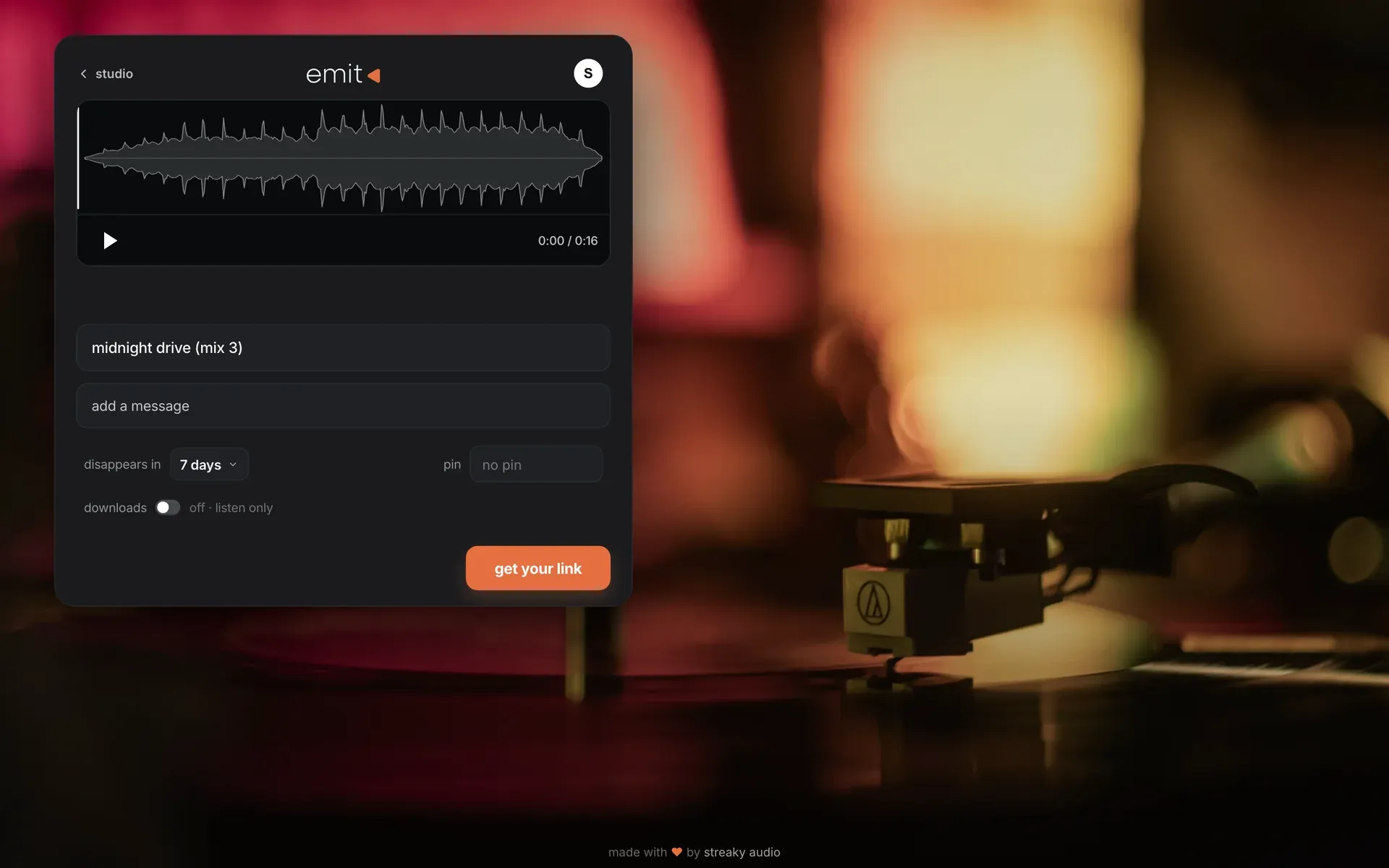
upload from your browser, then choose expiry, pin, message and downloads.
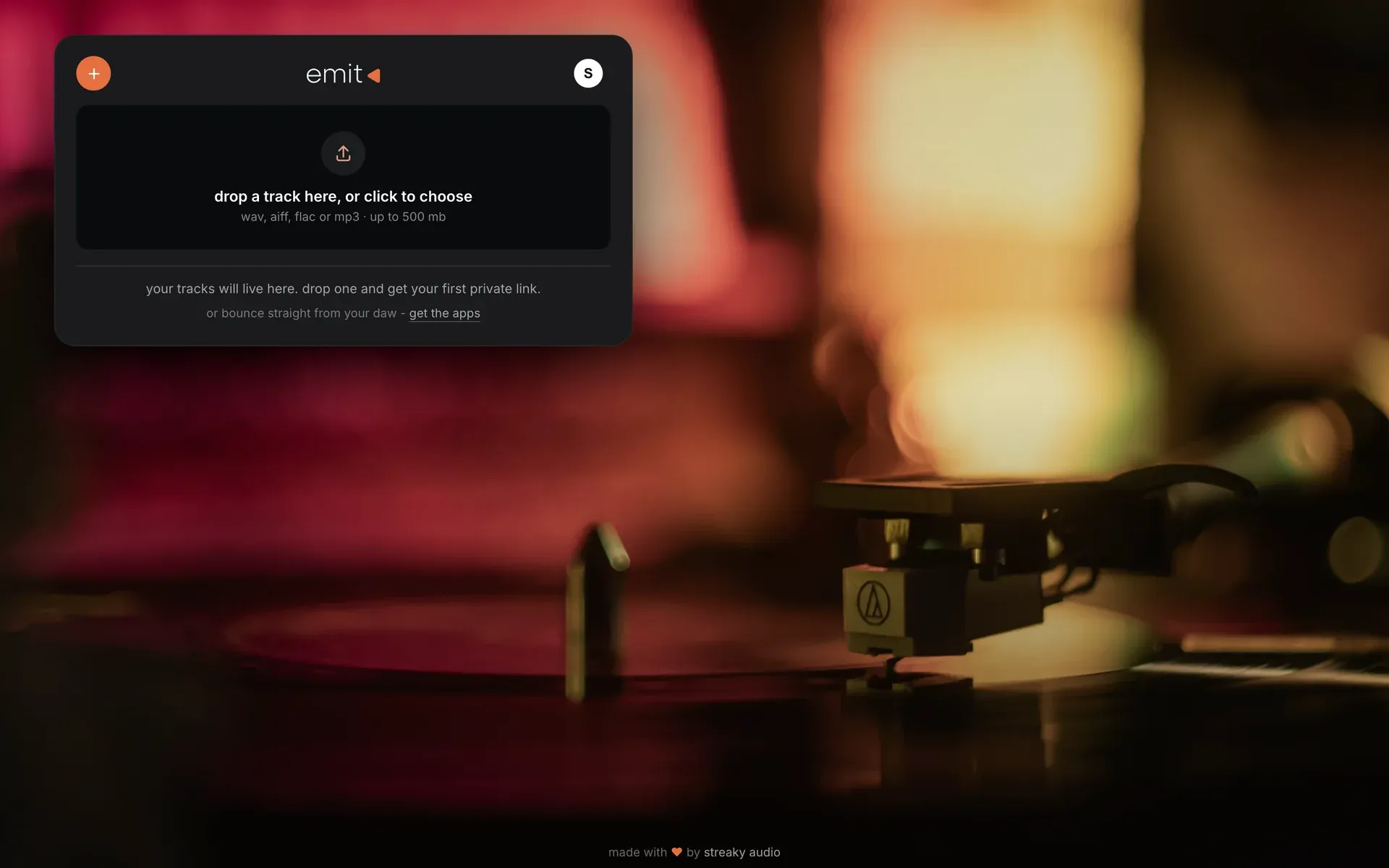
- go to emit.audio and sign in. this is your studio.
- drop an audio file on the box, or click it to choose one (wav, aiff, flac or mp3).
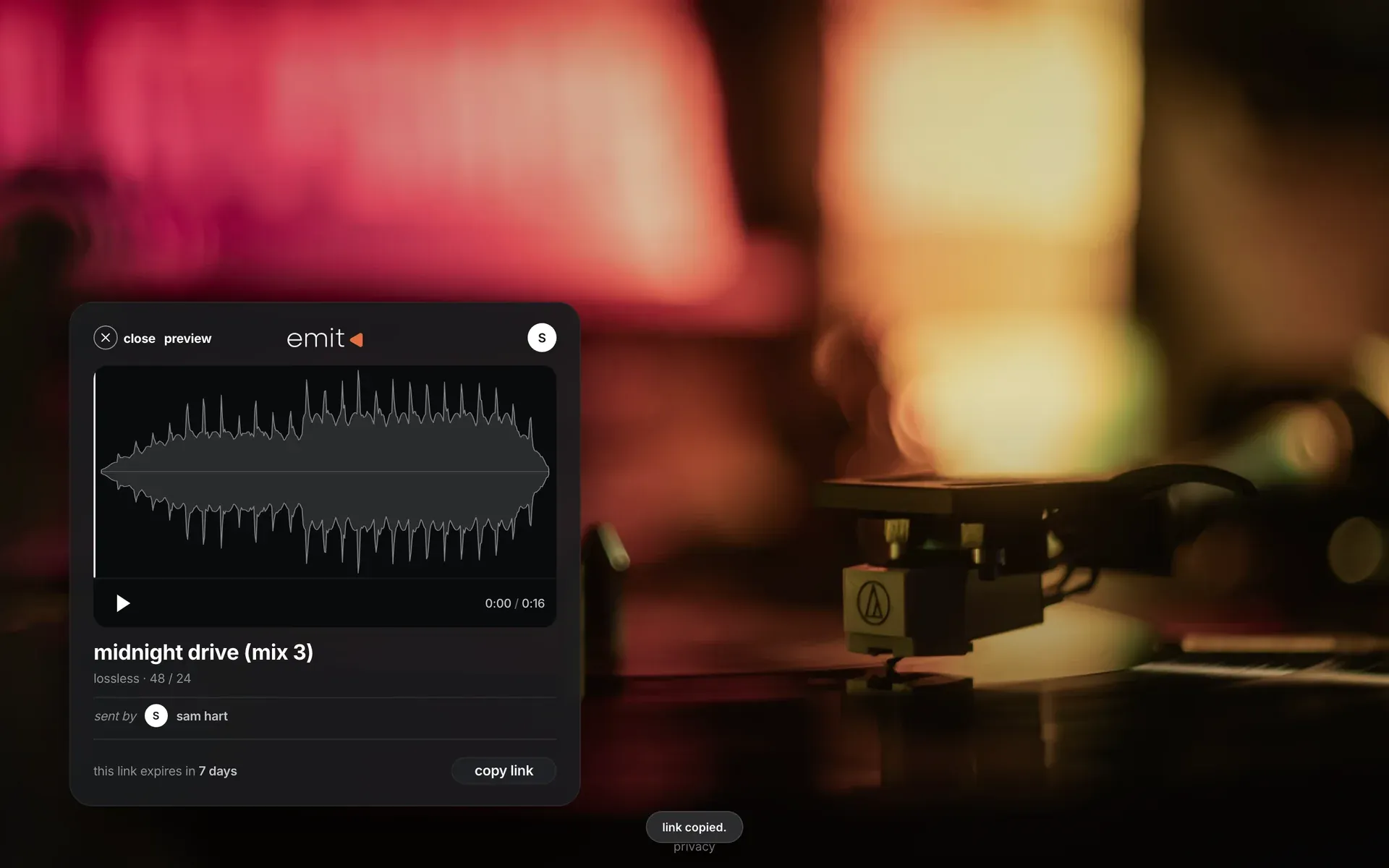
- your link is ready. press copy and paste it anywhere: a message, an email, a dm.
the link's settings
press the ··· on a track, then edit.
- gone in: 1, 3 or 7 days, or after one play. "after one play" is good for a first listen of something unreleased.
- pin: add a pin and they need it to listen.
- message: up to 140 characters. tell them what to listen for, e.g. "check the vocal in the second chorus".
- downloads: off to start, so the link is listen-only. when they approve the mix, switch downloads on: same link, nothing to resend.
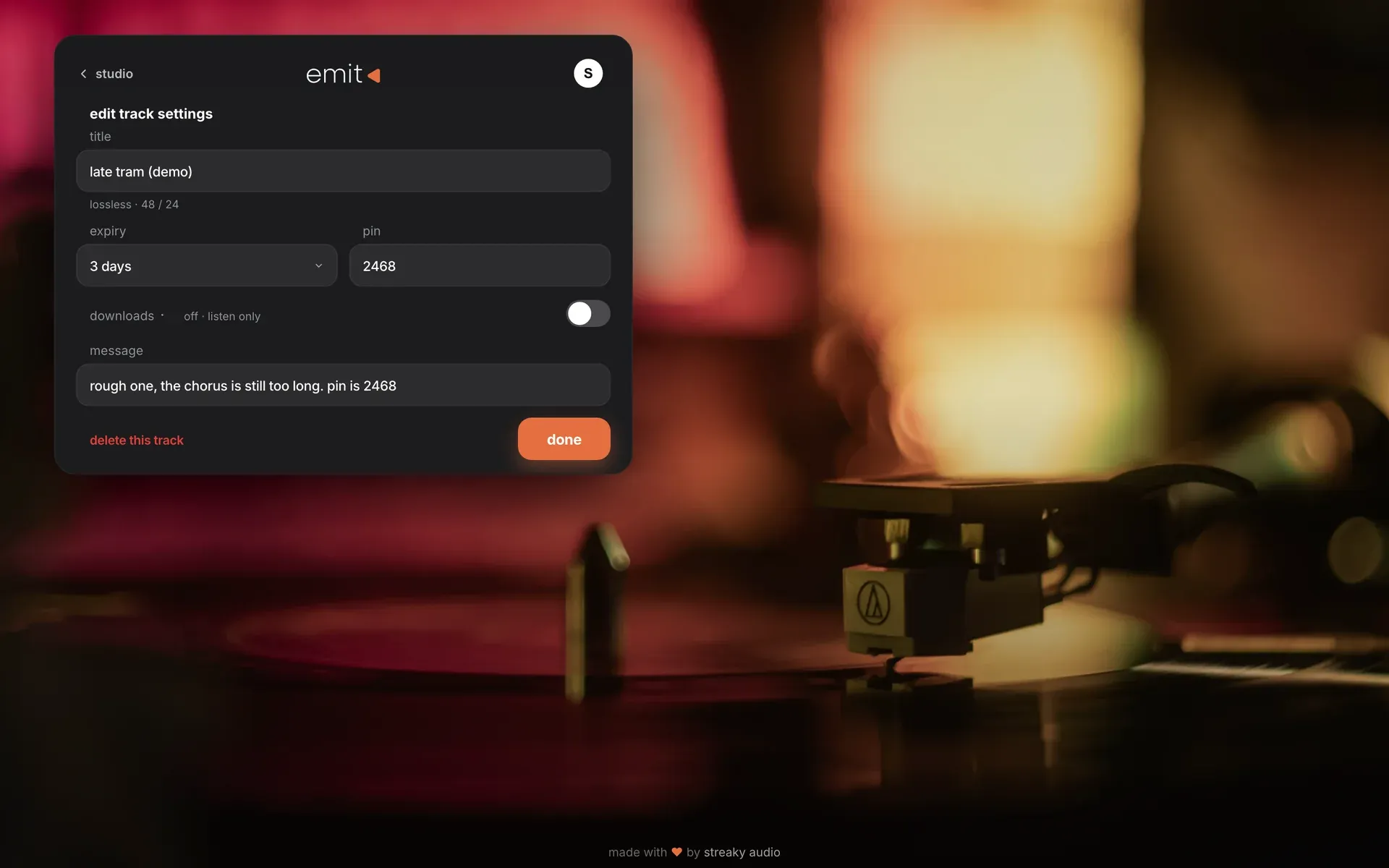
you can change these after sending; the link keeps working. settings › link defaults sets what every new link starts with.
several versions of one track? put them in a collection: one link, and they pick the version.
Was this helpful?
Still need help? Ask the team